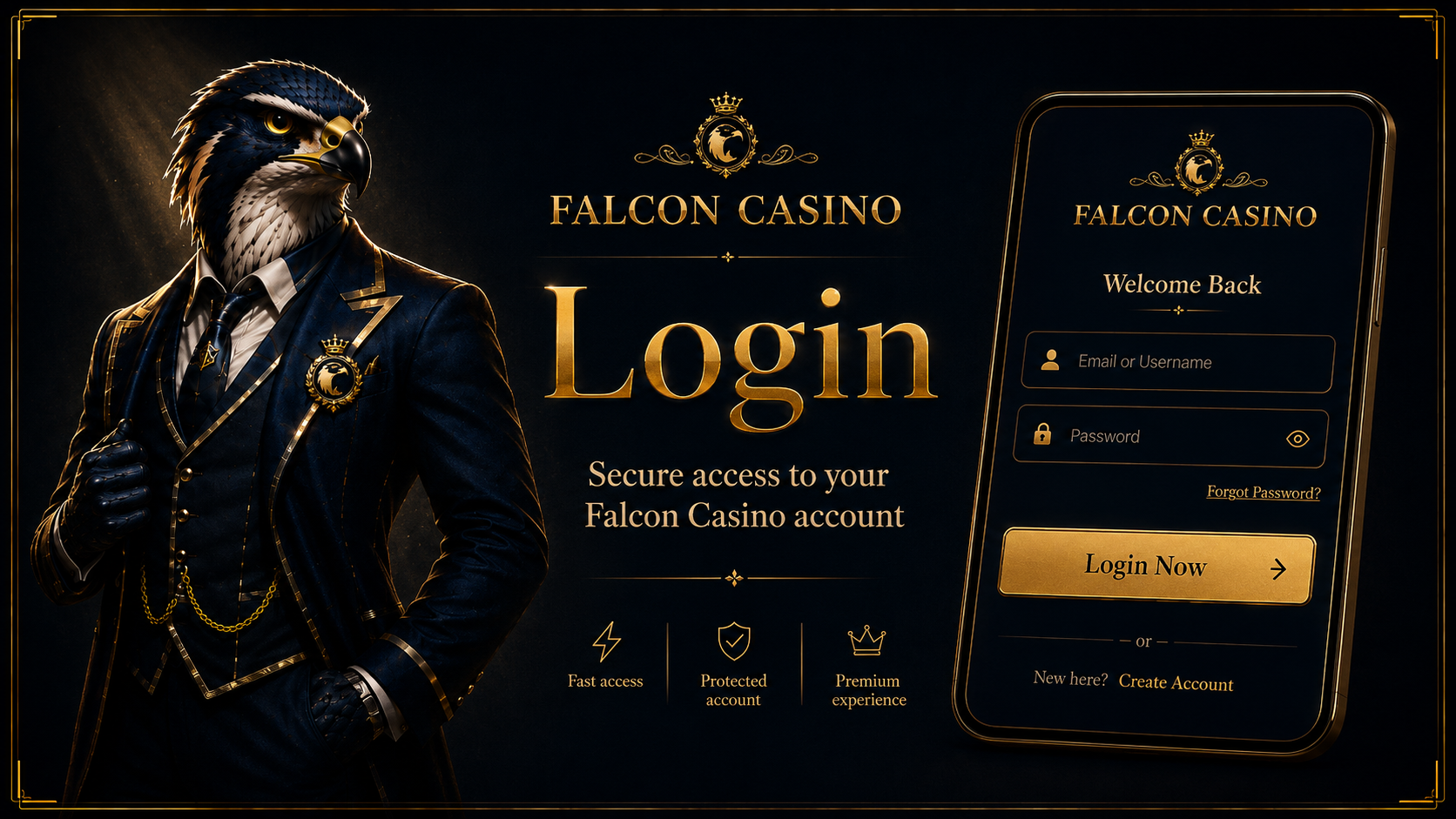
Welcome back to Falcon Casino. To login to Falcon Casino UK, click the button below – you will be taken directly to the secure login page where you can enter your registered email and password. Your account, balance, bonuses, and full game library are all available immediately after logging in.
If you are having trouble with your Falcon Casino login, this page covers all common issues and their solutions – from forgotten passwords to 2FA problems, browser issues, and account restrictions. Scroll down to find your specific issue and resolve it quickly.
Logging in to your Falcon Casino account takes seconds. Follow these three steps to access your account, games, and cashier.
Visit falconcasino.co.uk in your browser or open the Falcon Casino app on your iOS or Android device. Click or tap the "Login" button in the top right corner of the page.
Enter your registered email address and password in the login fields. If you have two-factor authentication (2FA) enabled, you will be prompted to enter your authentication code on the next screen.
Click the "Login" button to access your account. Your balance, active bonuses, game history, and full casino lobby will load immediately. Enjoy your session at Falcon Casino.
If your Falcon Casino login is not working, one of the following common issues is likely the cause. Each problem below includes a clear solution to help you regain access quickly.
The most common login issue. A typo, Caps Lock being on, or using an old password from a previous reset will all prevent login.
You cannot remember the password linked to your Falcon Casino account. Trying to guess multiple times will lock your account temporarily.
After multiple failed login attempts, Falcon Casino automatically locks the account as a security measure to prevent unauthorised access.
Connecting through a VPN can block your Falcon Casino login or trigger an automatic account restriction, as VPN use is not permitted.
Cached data or corrupt cookies in your browser can prevent the login page from loading or submitting correctly, even when credentials are correct.
If two-factor authentication is enabled and your SMS or authenticator code is not arriving, you will be unable to complete the login process.
The Falcon Casino app may fail to load the login screen if it is outdated, if your device cache is full, or after a system update on your device.
Accounts may be suspended due to verification requirements, suspected duplicate accounts, bonus policy violations, or self-exclusion activation.
Resetting your Falcon Casino password is quick and straightforward. Follow these steps to regain access to your account.
Visit falconcasino.co.uk and click the "Login" button. On the login screen, click the "Forgot Password?" link below the password field.
Enter the email address registered to your Falcon Casino account and submit the form. Make sure you use the exact email address you registered with.
A password reset email will be sent to your inbox immediately. If you do not see it within a few minutes, check your spam or junk folder – automated emails from gaming platforms are sometimes filtered there.
Click the password reset link in the email. The link is typically valid for 60 minutes. If it has expired, return to step 1 and request a new one.
Enter a new strong password when prompted. Use a combination of upper and lower case letters, numbers, and special characters for maximum security. Then log in with your email and new password.
Two-factor authentication adds an extra layer of security to your Falcon Casino login. When enabled, a one-time code is required in addition to your password every time you log in.
Creating your Falcon Casino account takes under two minutes. Register today and claim our welcome bonus of 350% up to £4,000 + 600 Free Spins across your first four deposits. No ID required to sign up – verification is only needed before your first withdrawal.
Visit falconcasino.co.uk or open the Falcon Casino app and click the "Login" button in the top right corner. Enter your registered email address and password, then click "Login". If two-factor authentication is enabled, enter your code when prompted. Your account, balance, and bonuses will load immediately. If you do not yet have an account, visit our falcon casino sign up page to register in under two minutes.
If Falcon Casino won't login, work through the following checks in order: verify your email and password are correct with Caps Lock off; clear your browser cache and cookies or try incognito mode; disable any VPN connection; if you have forgotten your password, use the "Forgot Password" link on the login page; if your account has been locked after multiple attempts, wait briefly or contact support. For persistent issues, our falcon casino customer service team is available 24/7 via live chat.
Click the "Forgot Password?" link on the Falcon Casino login page. Enter your registered email address and submit. A password reset email will arrive in your inbox within minutes – check your spam folder if you do not see it. Click the link in the email, create a new strong password, and log in with your updated credentials. The reset link is typically valid for 60 minutes.
Yes. The Falcon Casino login page and app are available 24 hours a day, 7 days a week, including weekends and public holidays. You can access your account, games, bonuses, deposits, and withdrawals at any time. If you experience any technical issues, our 24/7 customer support team is available via live chat and email.
Yes. You can log in to Falcon Casino on any mobile device via the browser at falconcasino.co.uk or by using the free Falcon Casino app for iOS and Android. The app offers faster loading, enhanced account security, and supports Face ID and Touch ID login on compatible devices – making mobile login faster and more secure than the browser version.