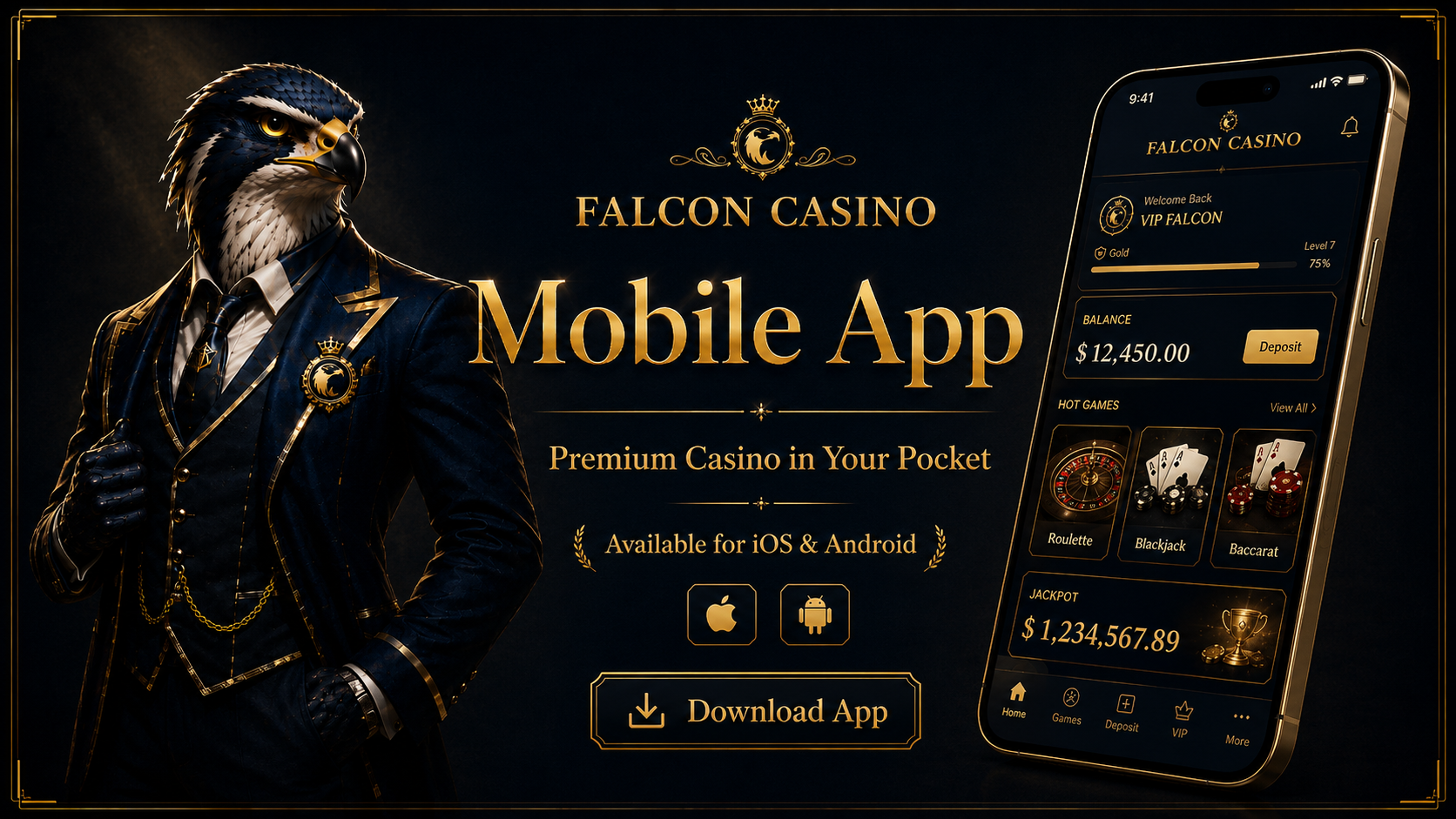
The Falcon Casino app is the fastest and most convenient way to enjoy our full gaming experience on the go. Available for both iOS and Android, the falcon casino gaming app loads up to 800% faster than the mobile browser, delivers exclusive bonuses, and provides the highest level of account security – all in a free 75MB download.
Whether you want to spin falcon casino slots, play live dealer tables, make a deposit, or request a withdrawal, everything is available at your fingertips through the Falcon Casino app. Download now and take your gaming experience wherever you go.
The Falcon Casino app offers a measurably better experience than playing via a mobile browser. Here is exactly what you gain by downloading the falcon casino gaming app.
Games, pages, and the cashier all load up to 800% faster in the app compared to the mobile browser. No lag, no waiting – just instant access to your favourite games and account features.
App users receive access to exclusive bonuses and promotions not available through the browser. Stay logged in and receive push notifications so you never miss a limited-time offer from casino Falcon.
Withdrawal requests submitted through the Falcon Casino app benefit from expedited processing compared to the browser version. For the fastest possible payouts, the app is the recommended route.
The app uses device-level encryption alongside our own security protocols, providing the strongest layer of account protection available. Face ID and Touch ID authentication is supported on compatible devices.
The Falcon Casino app download for iOS is available through the official App Store. Follow these seven steps to install the app on your iPhone or iPad.
On your iPhone or iPad, tap the App Store icon on your home screen to open it, then tap the search icon in the bottom navigation bar.
Type "Falcon Casino Download" or "Falcon Casino" into the search bar at the top. Make sure you are searching in the App Store search field.
Identify the official Falcon Casino app in the results list. Check that the developer name matches the official casino before proceeding.
Tap the blue "Get" button next to the Falcon Casino app icon to begin the download and installation process.
Confirm the download using Face ID, Touch ID, or your Apple ID password when prompted. This is a standard Apple security step and does not share any data with Falcon Casino.
The Falcon Casino app is 75MB and typically downloads in 1–3 minutes depending on your connection speed. The progress is shown on the app icon.
Find the Falcon Casino icon on your home screen and tap it to launch. Log in to your existing account or create a new one directly within the app.
The Falcon Casino app for Android is available as a direct APK download from the official website. Follow these eight steps to install it on your Android device.
Open your preferred browser on your Android device – Chrome, Firefox, or any other standard browser will work.
Navigate to falconcasino.co.uk and find the app download section. Only download from the official website to ensure you receive the genuine, secure APK file.
Tap the "Download APK" button for Android. Your browser will begin downloading the Falcon Casino APK file to your device.
Go to Settings → Security (or Privacy) and enable "Install unknown apps" or "Unknown sources" for your browser. This allows Android to install APK files from outside the Play Store.
Find the downloaded Falcon Casino APK file in your notifications bar or in your Downloads folder using a file manager app.
Tap the APK file to begin the installation process. Android will display an installation prompt showing the app permissions required.
Tap "Install" when prompted and wait 30–60 seconds for the installation to complete. The time may vary depending on your device's processing speed.
Find the Falcon Casino icon in your app drawer and tap to launch. Log in or create a new account to start playing immediately.
Logging in to the Falcon Casino app takes seconds. Your account, balance, bonuses, and game history are all synchronised instantly between the app and the desktop site.
New to Falcon Casino? You can complete your full registration directly within the app in under two minutes. Your welcome bonus is activated the moment you verify your email and make your first deposit.
Download the Falcon Casino app for iOS or Android using the steps above. Open the app and tap "Sign Up" on the welcome screen.
Enter a valid email address and create a strong password. Confirm that you are 18 or over and accept the Falcon Casino Terms of Service. Tap "Register" to proceed.
Check your inbox for the confirmation email and tap the activation link. Your account is instantly activated and your welcome bonus of 100% up to £1,250 + 200 Free Spins is ready to claim with your first deposit.
One account per person. Duplicate accounts are not permitted. If you already hold an account at casino Falcon, use the login option rather than creating a new one. Visit our falcon casino sign up page for full registration details.
The Falcon Casino app gives you access to the complete game library – all 45,000+ titles, all providers, all categories. Every game available on the desktop site is fully available and optimised for mobile play within the app. Browse the full falcon casino games library across every category below.
All falcon casino slots are available in the app, including Big Bass Bonanza, Gates of Olympus, Sweet Bonanza, Eye of Horus, and thousands more. Touch-optimised controls make mobile slot play seamless.
Stream real dealer tables directly through the app. Live Roulette, Blackjack, Baccarat, Mega Fire Blaze Roulette, and live game shows all run smoothly on mobile via the Falcon Casino gaming app.
Chase progressive jackpots on the go. Eye of Horus Jackpot King, Fishin Frenzy Megaways Jackpot King, and all other jackpot titles are fully playable through the app.
Classic, multi-hand, speed, and live Blackjack variants are all available within the app. The touch interface is specifically optimised for table game controls on smaller screens.
European, French, and live Roulette tables all play flawlessly through the Falcon Casino app. Chip placement and betting controls are fully touch-optimised for mobile use.
Aviator, Plinko, Mines, Crash, and all other instant games are available in the app. These fast-paced titles are particularly well-suited to mobile play and short gaming sessions.
The full cashier is available within the Falcon Casino app. Make a falcon casino deposit or request a falcon casino withdrawal directly from your mobile device – quickly, securely, and with all the same payment methods available on desktop.
The Falcon Casino app is lightweight and compatible with the vast majority of modern iOS and Android devices. Here are the minimum requirements for each platform.
| Feature | Falcon Casino App | Mobile Browser |
|---|---|---|
| Loading Speed | 800% faster | Standard |
| Exclusive Bonuses | ✓ | ✗ |
| Withdrawal Processing | Faster | Standard |
| Account Security | Maximum | Standard |
| Face ID / Touch ID Login | ✓ | ✗ |
| Push Notifications | ✓ | ✗ |
| Full Game Library | ✓ | ✓ |
| Deposits & Withdrawals | ✓ | ✓ |
For iOS, open the App Store, search for "Falcon Casino", tap the "Get" button, and authenticate with Face ID, Touch ID, or your Apple ID password. For Android, visit falconcasino.co.uk, download the APK file, enable "Install unknown apps" in your Android security settings, and tap the APK to install. Both downloads are free and 75MB in size.
Yes. The Falcon Casino app for Android is available as a direct APK download from the official website. It requires Android 6.0 or above and 2GB RAM for the best experience. Because it is distributed as an APK rather than through the Google Play Store, you will need to enable "Install from unknown sources" in your Android security settings before installing. This setting can be disabled again after installation.
Open the Falcon Casino app and tap the "Login" button. Enter your registered email address and password. If you have two-factor authentication enabled, enter your 2FA code when prompted. Your account, balance, and bonuses will load immediately. If you have forgotten your password, tap "Forgot Password" on the login screen and follow the reset instructions sent to your email.
Yes. The Falcon Casino app is completely free to download and install on both iOS and Android. There are no subscription fees or charges associated with using the app. The app is 75MB in size and requires iOS 12.0 or Android 6.0 or above. Standard data charges from your mobile network operator may apply when using the app.
For iOS: iPhone or iPad running iOS 12.0 or above, available via the App Store, 75MB storage space. For Android: device running Android 6.0 or above, 2GB RAM recommended for the best experience, downloaded as an APK from the official website, 75MB storage space. If you need further assistance, contact our falcon casino customer service team via live chat.